

Skip to content

AI website cloner · website cloner

The AI website cloner that rebuilds
whole sites from a URL

clonesite reads the real HTML, CSS, and breakpoints from a URL — not a screenshot — and rebuilds every page as editable React + Tailwind.

Free live preview · every linked page · export React + Tailwind · pay per clone

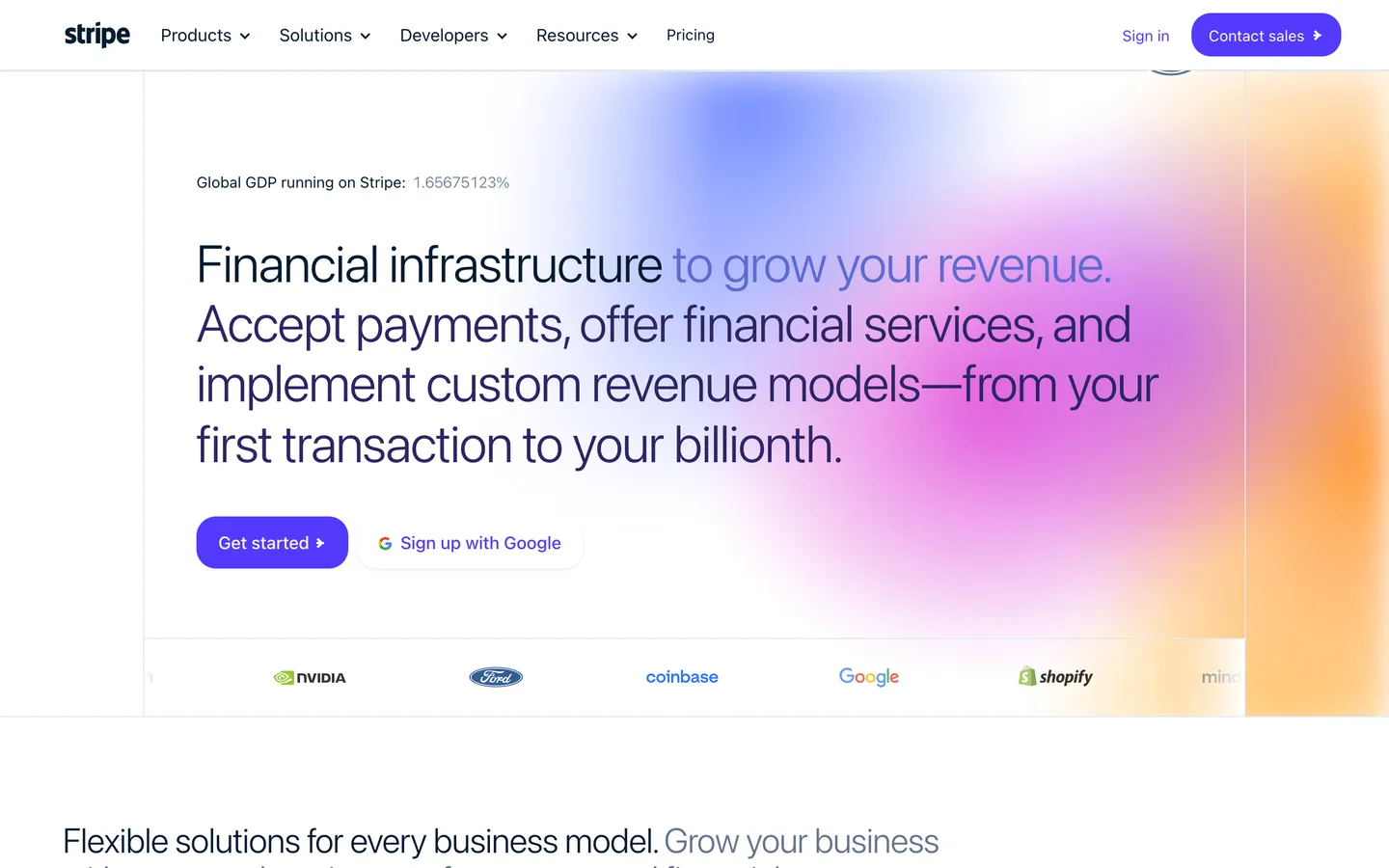
preview.clonesite.ai/sites/stripe.com
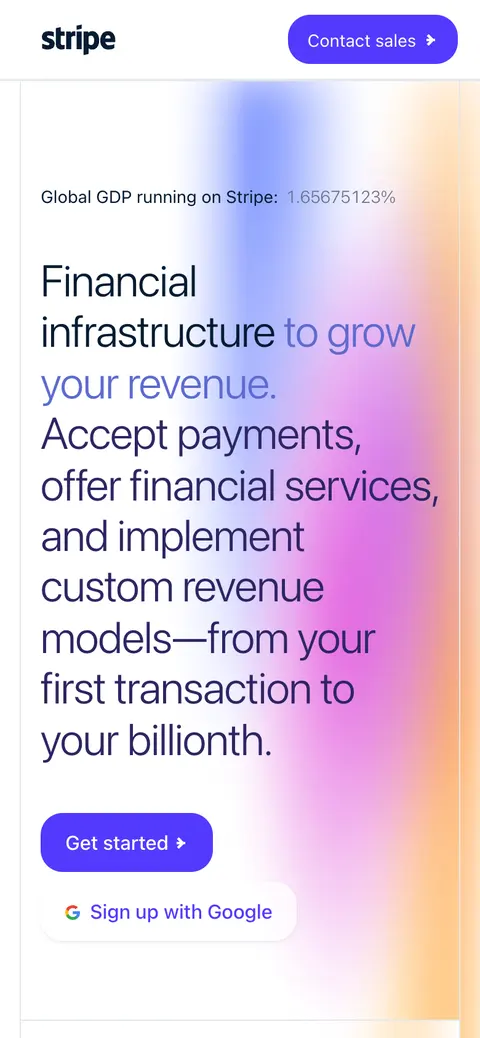
stripe.com cloned on mobile

rebuilt · React + Tailwind

<section className="bg-[#0a2540] pt-24">

read from live code · 5 pages rebuilt

What is an AI website cloner?

An AI website cloner turns a live public URL into editable front-end code. clonesite is a website cloner that reads the real page from the URL and outputs a multi-page React + Tailwind project you can rebrand, preview free, and export — instead of guessing layout from a screenshot.

Input
One live public URL
Scope
Every linked page
Output
React + Tailwind source

Website clone examples

Real sites, cloned and rebuilt as code

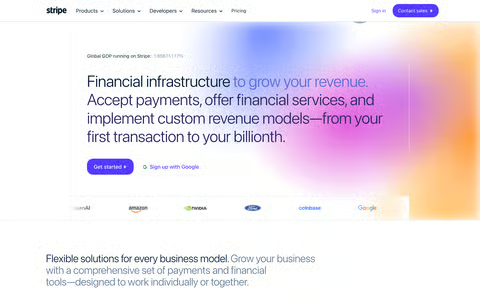
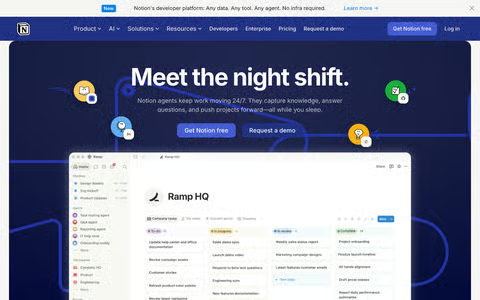
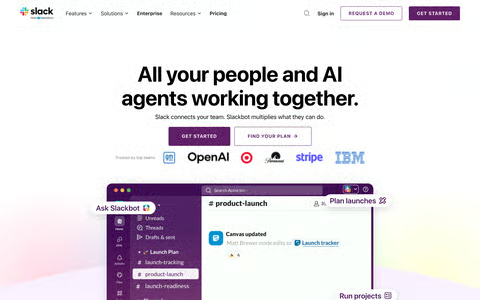
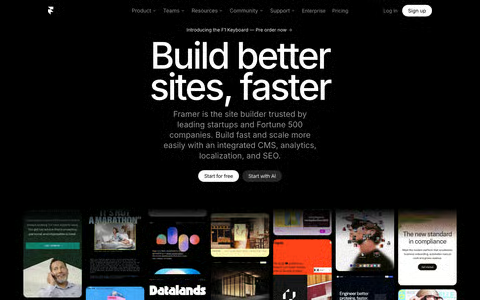
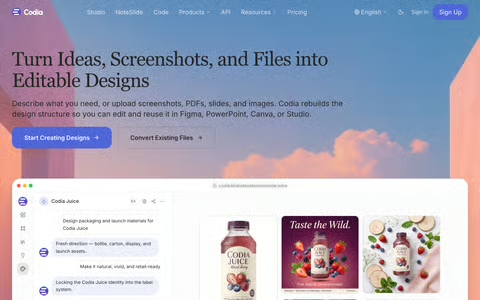
Every capture below is a full clone from this website cloner — open one, edit it live, make it yours.

Browse all website clone examples →

Capabilities

What this website cloner actually does

01

Clone a website from one URL

No screenshots, no uploads. Paste the link and the cloner reads the live HTML, CSS, fonts, and responsive breakpoints straight from the site — spacing, type scale, and mobile behavior match because nothing is guessed from an image.


02

Multi-page website clone

The cloner follows the site's navigation and rebuilds every linked page with consistent structure and shared components — a complete website clone with working navigation, not a one-page snapshot.

03

Free live preview to rebrand

Every clone opens as a live, editable preview in your browser. Swap the copy, colors, and images to make the site yours before you pay anything.

04

Export production React + Tailwind

When the clone looks right, export production-ready React and Tailwind source. Pricing is per clone with no subscription, and the code is yours to ship anywhere.

How it works

How to clone a website with an AI website cloner

  1. 1

    Paste the URL

    drop any public website link into this website cloner and it reads the live HTML, CSS, fonts, and responsive breakpoints.

  2. 2

    Preview and edit

    the AI website cloner rebuilds every page as a live, editable clone in your browser so you can rebrand copy, colors, and images before paying anything.

  3. 3

    Export the code

    pay per clone to export production-ready React and Tailwind source, with no subscription.

Compare approaches

AI website cloner vs screenshot-to-code vs rebuilding by hand

URL cloner (clonesite)Screenshot-to-codeRebuild by hand
InputA live URLA screenshot or Figma frameDesign specs and time
Fidelity sourceReal HTML, CSS, fonts, breakpointsPixels interpreted by a modelManual measurement
Multi-page sitesFollows navigation, clones every pageOne frame at a timePage by page, by hand
OutputEditable React + Tailwind sourceGenerated markup, varies by toolWhatever you write
Cost shapeFree preview, pay per cloneUsually a subscriptionDays of work

FAQ

AI website cloner FAQ

What is an AI website cloner?

An AI website cloner rebuilds a live public site as editable front-end code. clonesite reads the real page from a URL and outputs multi-page React + Tailwind you can rebrand, preview free, and export — instead of guessing layout from a screenshot.

How do I clone a website into React code?

Paste the site's URL into clonesite. It reads the real HTML and CSS and rebuilds the page as editable React and Tailwind components you can preview live and export as production-ready source.

Can an AI website cloner copy a whole multi-page site?

Yes. clonesite follows the site's navigation and rebuilds every linked page with consistent structure, so you get the full multi-page site — not just a screenshot of the homepage.

Is there a free website cloner preview?

Previewing and editing any clone on clonesite is free. You only pay when you export the production-ready code, and pricing is per clone with no subscription.

How is clonesite different from a screenshot-to-code tool?

Screenshot-to-code tools guess layout from an image. clonesite reads the live HTML, CSS, fonts, and responsive breakpoints directly from the URL, so spacing, typography, and mobile behavior match the real site.

Is it legal to clone a website?

clonesite rebuilds public front-end structure and visual direction for rebranding, prototyping, and competitive study. It does not copy backend systems or private data, and it does not grant rights to another company's trademarks, logos, or copyrighted content.

Clone your first website from a URL

Free live preview of every page. Export production React + Tailwind when it looks right — pay per clone, no subscription.

Hosted by ExportFramer